
Proper case management, without a Dynamics 365 rollout.
For IT service desks, customer support teams and public services that work to service levels. Bought through Microsoft, installed in minutes, and your data never leaves your own tenant.
Cases and queues
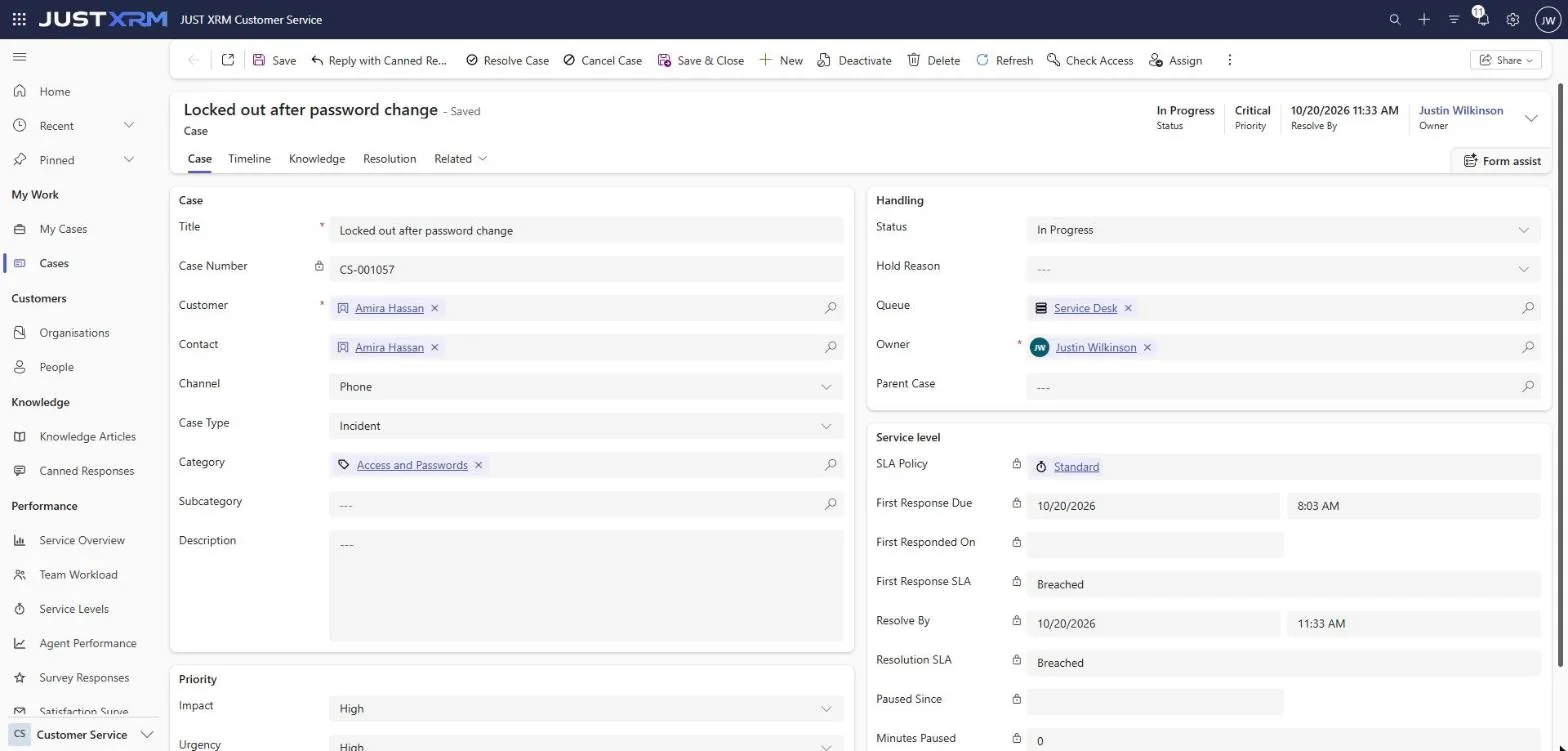
Every request gets a case number, an owner and a queue. Cases are given out round robin, to the least busy agent, or by hand.
Service levels in business hours
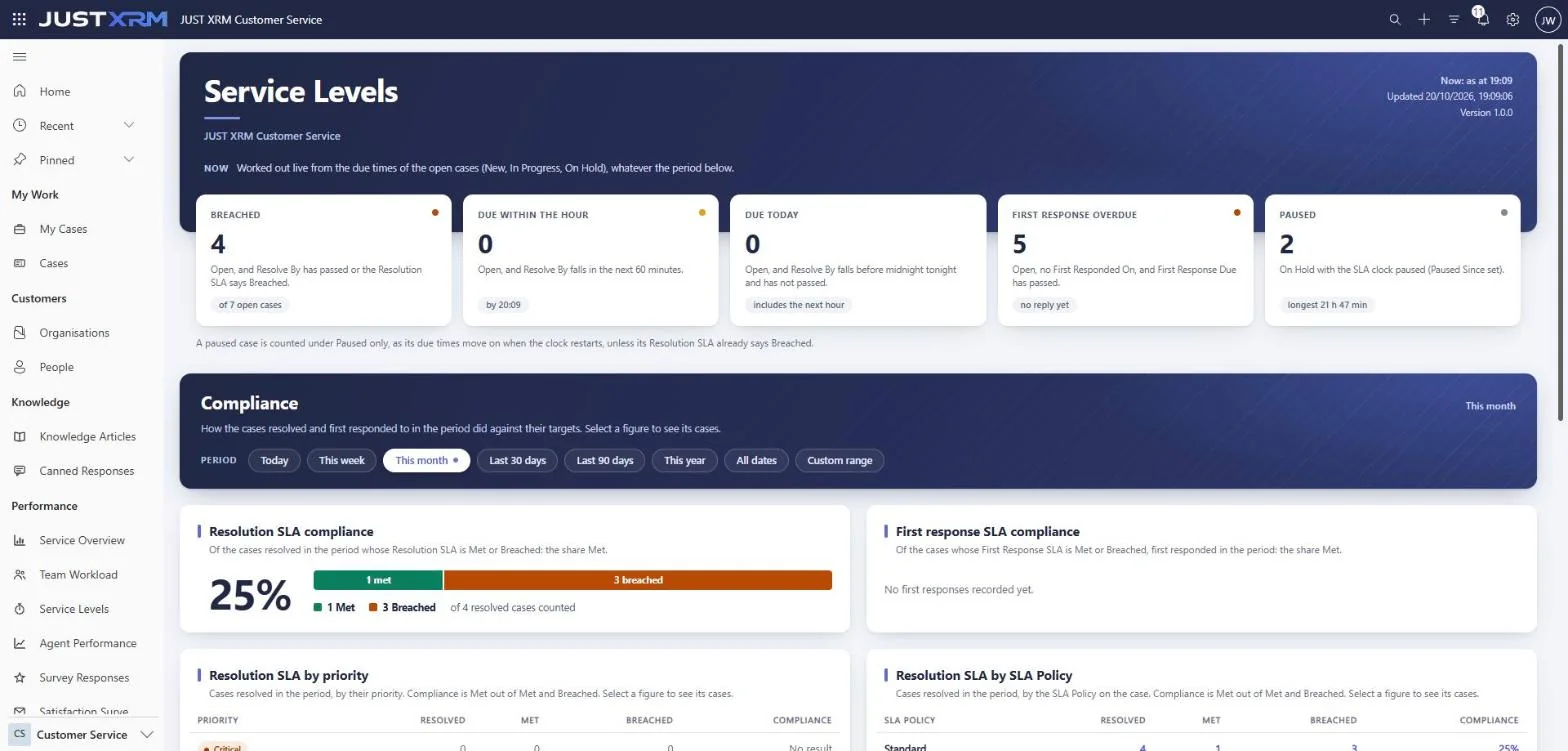
Priority comes from impact and urgency, the ITIL matrix, which you can change. First response and resolution are due in your business hours, skipping UK bank holidays, and the clock pauses while you wait for the customer.
Email to case
Emails to a queue’s address become cases, and replies find their case by its number. A reply to a resolved case reopens it.
Knowledge base
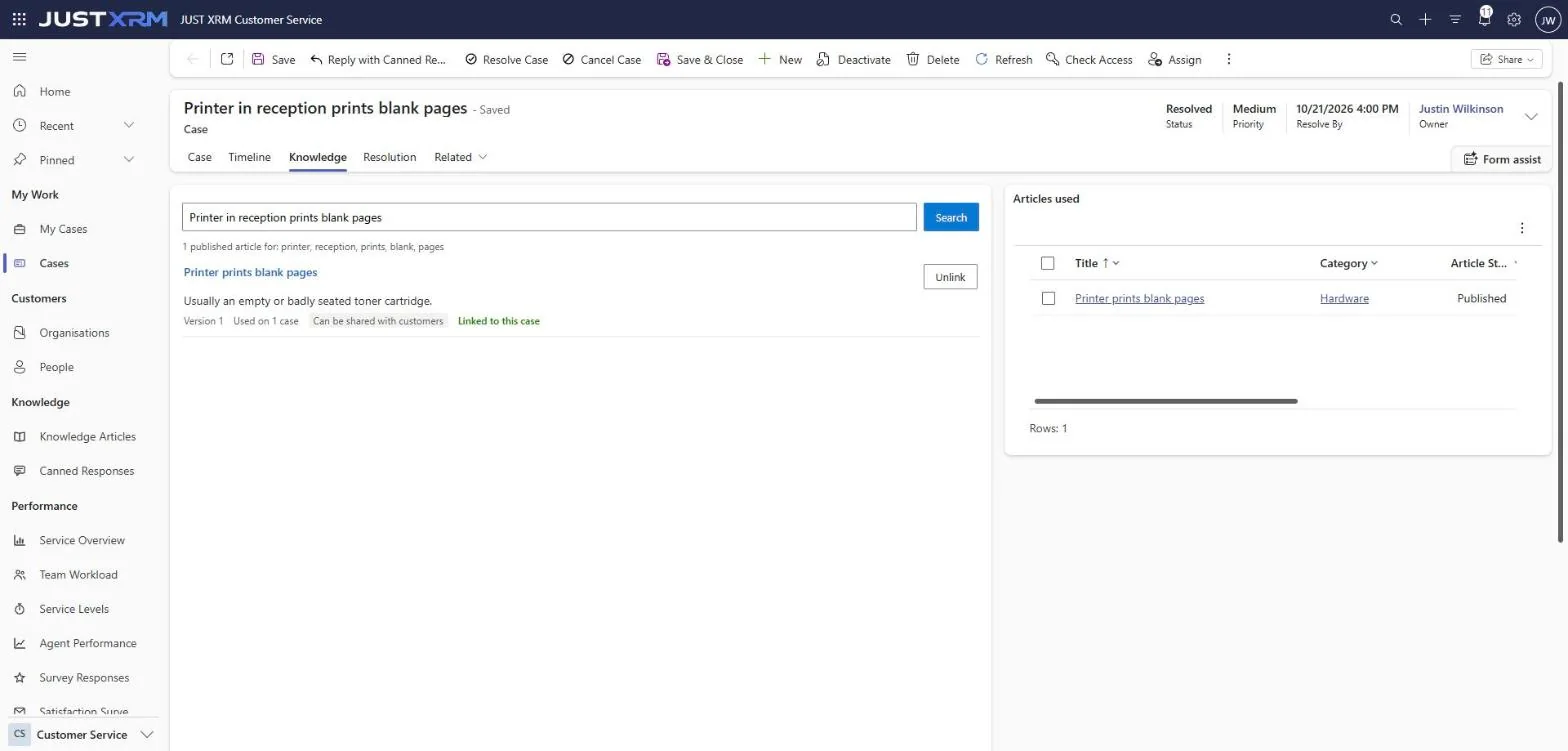
Articles with versions: agents search only what is published, right on the case, and record which article resolved it.
Canned responses
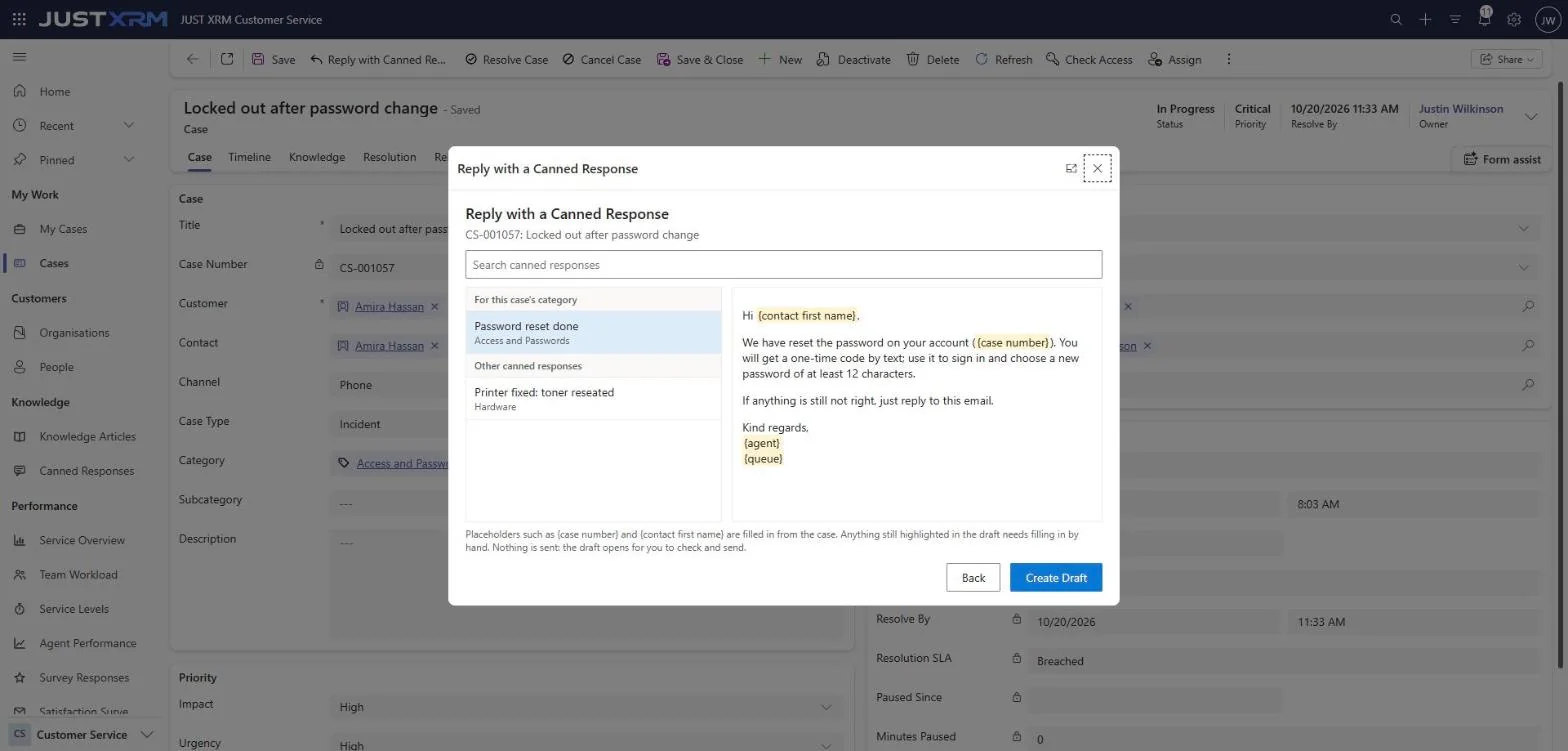
Saved replies that fill in the customer, case number and agent, and open as a draft email to check and send.
Major incidents
When many customers report the same outage, link their cases to one major incident and resolve them all together. Duplicates merge in one click, and later replies follow.
Teams alerts
Breaches, new critical cases and major incidents posted to a Teams channel, with no connection to set up.
Guided by the process
A process bar takes each case through Log and Classify, Investigate, Resolve and Close, kept in step with its status, with the conversation in the middle of the screen.
Getting Started
A setup checklist that ticks itself as you go: business hours, service levels, queues, categories, roles and knowledge.
Ratings and dashboards
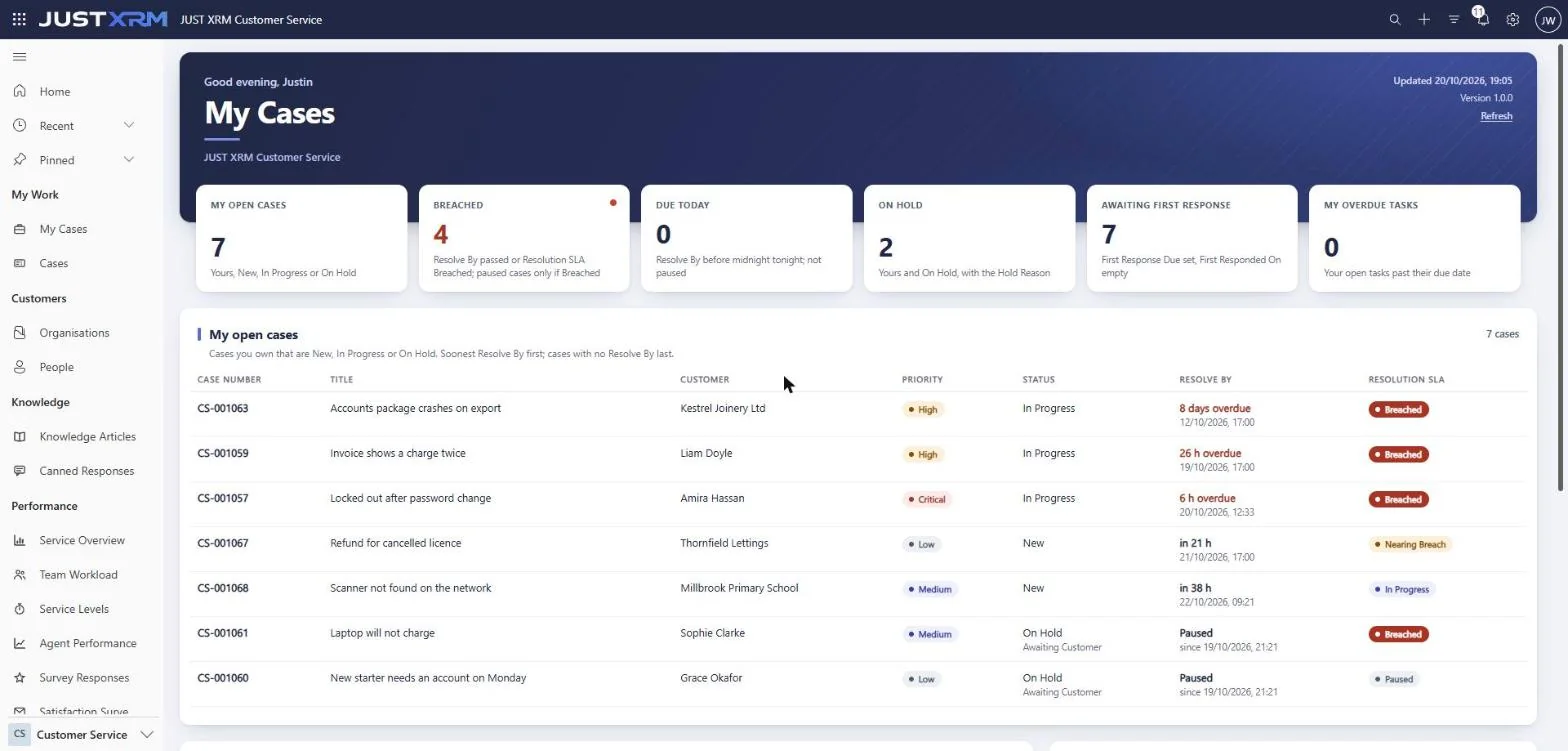
Customers rate a resolved case by replying to one email. Five dashboards: My Cases, Service Overview, Team Workload, Service Levels and Agent Performance.
The product, on demo data.
Built the way Power Platform expects.
- Your data stays in your own Dataverse environment
- Licences bought and assigned through Microsoft
- One managed solution: installs and uninstalls cleanly
- Three security roles: Agent, Team Lead and Service Manager
- A built-in health check for your administrator
- UK business hours, bank holidays and SLA targets ready to adjust
From AppSource to your first case.
One plan with every feature, priced per user per month and billed by Microsoft. Each user also needs a Power Apps licence. JUST XRM Customer Service is on its way through Microsoft’s certification; until it is live on AppSource, get in touch and we will set you up.
1. Buy now
Find JUST XRM Customer Service on Microsoft AppSource and choose how many users.
2. Assign licences
Give them to people in the Microsoft 365 admin centre. Power Platform enforces them.
3. Install
Into your Power Platform environment from the admin centre, in minutes.
4. Start work
Give each person a security role, set up your queues and open the app. Prefer us to do it? We can install and set it up for you.